Can staff reach the right person?
New starters, casual employees and busy teams need a clear way to request assistance without searching for contact details.
NEVASOLO ENTERPRISE / SHOPPING CENTRES
Give retailers a direct way to request assistance, coordinate security and operations, and see what happens across your centre.
NevaSolo connects independent businesses and response teams through structured incident reporting, centre management oversight and permission-controlled communication.
Tailored pricing · Supported onboarding · Work with your existing security provider
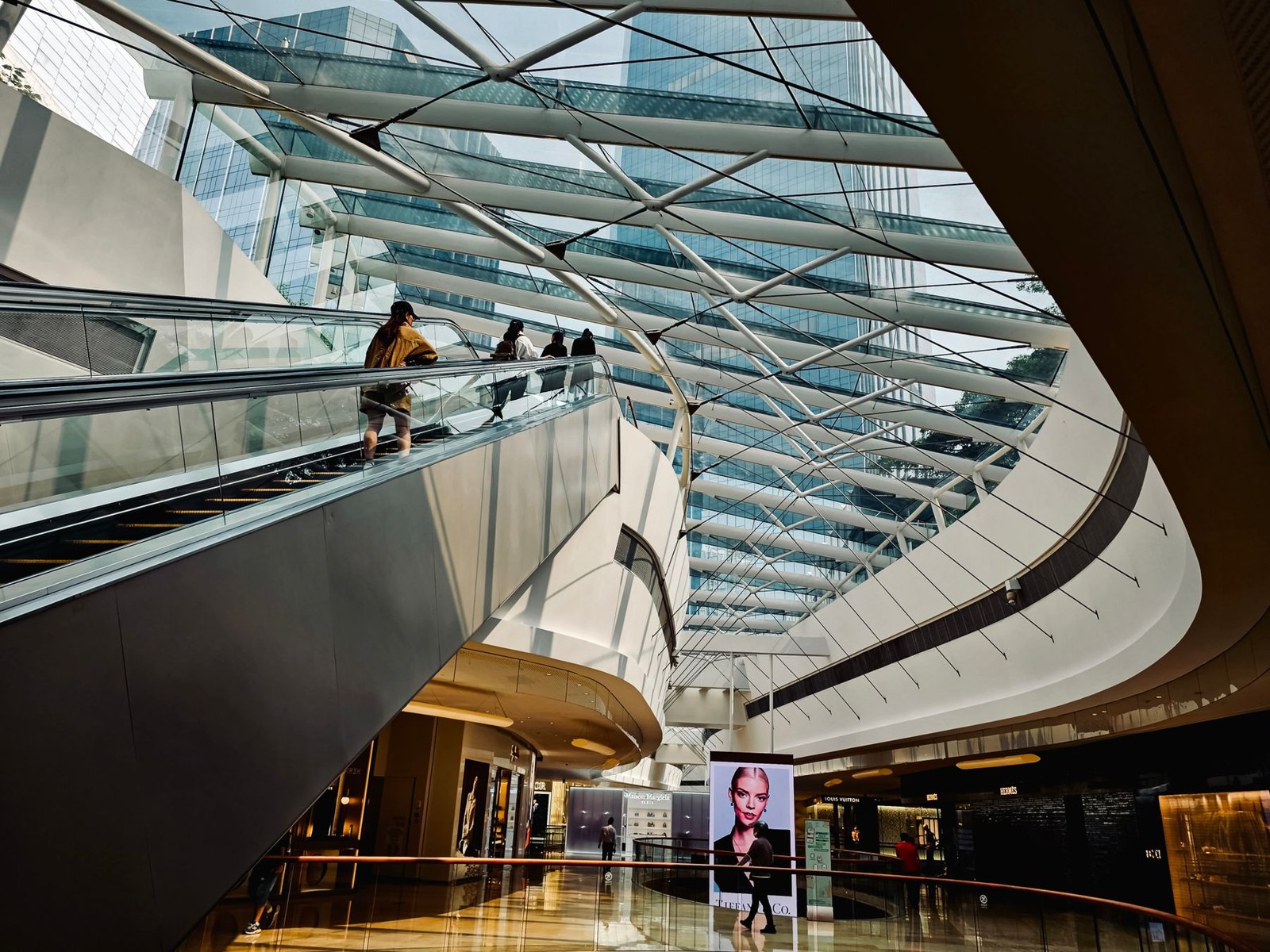
ILLUSTRATIVE INCIDENT WORKFLOW
THE REALITY OF A BUSY CENTRE
A staff member asks for help. A guard responds. Operations handles a nearby hazard. Centre management needs to know what happened.
Each retailer and contractor has its own people, responsibilities and systems. Shopping centre incident management software connects their work while respecting the information boundaries between them.
New starters, casual employees and busy teams need a clear way to request assistance without searching for contact details.
Find out whether an incident has been assigned, accepted and followed through by the appropriate response team.
See outstanding incidents, recorded activity and service information rather than piecing together separate reports.
NevaSolo helps retailers, security and operations collaborate through an established process, with centre management oversight.
FROM CONTACT TO COORDINATION
Radios, phones and CCTV remain valuable tools. NevaSolo adds a shared incident workflow so authorised people can review the same record and understand responsibility.
Calls security and keeps local notes.
Records its response separately.
Receives forwarded information.
Chases updates and compiles records.
Identify the authorised location and describe the event.
Route the incident to security or operations.
Record acceptance, updates, notes and evidence.
Management can follow the recorded progress and outcome.
| Existing tool | Purpose | NevaSolo adds |
|---|---|---|
| Radios and phones | Immediate conversation | Structured reporting and ownership |
| CCTV | Observation and evidence | Incident context and response records |
| Messaging and email | Communications | Permission-controlled incident history and follow-up |
| Registers and spreadsheets | Recording and reporting | Management review of available operational information |
WHY FOLLOW-THROUGH MATTERS
Employees need confidence in their assistance process. Managers need a way to review what happens after a report.
Safe Work Australia identifies large shopping centres and their retail businesses as an example where formal arrangements for consultation, cooperation and coordination may be necessary.
Read Safe Work Australia guidance ↗DIFFERENT EMPLOYERS. CONNECTED RESPONSIBILITIES.
Each participant sees the information they need for their responsibilities.

RETAIL STAFF
Report an incident at your authorised store and follow the updates available to you.

SECURITY
Review assigned or eligible incidents, record acceptance, response actions and evidence.

OPERATIONS
Handle routed operational concerns such as spills, hazards and access issues.

CENTRE MANAGEMENT
Review incidents, recorded coverage and issues requiring management attention.
Authorised brand accounts can review incidents associated with their explicitly assigned stores. Store staff, tenant administrators, responders, centre managers and brand users each retain their own access scope.
Explore access and governance →YOUR COMPLIMENTARY CENTRE ASSESSMENT
Answer 12 questions about your current arrangements. Receive recommendations immediately, without registration.
12 QUESTIONS · YOUR OWN CENTRE
Choose Yes, No or Unsure. Review the potential gaps and areas worth confirming.
Loading interactive assessment…
Choose the assessment-inclusion checkbox in the enquiry form to share your completed summary.
THE CORE WORKFLOW
NevaSolo shopping centre incident management software supports the full incident lifecycle.
Store staff report at their authorised store. Centre-level responders can report at locations within their authority.
Route security incidents according to configured centre-wide or zone-based arrangements; route operational issues to operations.
Record acceptance, arrival where supported, actions and evidence. Reassignment can address declined or unanswered assignments.
Authorised participants review the incident history, status and outcome. Management identifies issues requiring follow-up.
We’ll demonstrate the reporting, response and oversight process around your existing security and operations arrangements.
Arrange a demonstration →EXPLORE FIVE REALISTIC SITUATIONS
Choose a scenario, switch roles and follow the incident through each stage.
Illustrative scenarios rather than live product screens. Roles and features depend on configuration and enabled modules.
A retailer requests assistance through the security incident workflow.
Step 1 of 5
The employee submits a report for their authorised store.
YOUR SELECTED PERSPECTIVE
Describe the concern and request assistance.
CENTRE MANAGEMENT AND CONTRACTOR ACCOUNTABILITY
You invest in security coverage, operational support and management. Review the records and exceptions that help you assess service delivery.
Review incidents, configured locations and zones, recorded guard presence and coverage, and attention items for assigned centres.
Distinguish planned staffing from recorded check-in, attendance exceptions and active duty. Review outstanding coverage requirements.
Where the provider patrol module and client access are agreed, review checkpoint records, submitted evidence and exceptions.
Identify relevant unassigned incidents and recorded acceptance, progress and resolution. Review response records during contractor discussions.
Support continuity with recorded handover notes and incident transfers between authorised responders.
Use available management reports to review incident types, locations, recorded timing and outcomes over time.
| Measure | Review | Value to management |
|---|---|---|
| Coverage | Scheduled and recorded staffing | Identify recorded gaps and exceptions |
| Acceptance and arrival | Separately recorded response events | Distinguish ownership from physical attendance |
| Open incidents | Relevant unresolved and unassigned reports | Identify work needing attention |
| Patrol evidence | Checkpoint and exception records | Support agreed service reviews |
| Recurring issues | Available incident trends by type or location | Inform operational decisions |
THE ENTERPRISE PLATFORM
Configure the platform around your participating retailers, responders and managers. We confirm enabled features and devices during your demonstration.
Authorised reporting by store employees and tenant administrators.
Security incident routing, recorded assignment, acceptance and reassignment.
Route operational reports to personnel responsible for the relevant work.
Review incident, map, coverage and emergency information within assigned centres.
Keep permitted notes and supported media with the incident history.
Review agreed attendance and provider-managed checkpoint evidence and exceptions.
Send centre broadcasts to authorised audiences. Staff document broadcasts support PDF attachments and recorded acknowledgements.
Connect independent organisations while restricting information to their authorised roles, locations and relationships.
Review scoped reports, recorded incidents and available supporting evidence.
WHEN PLANS NEED TO CHANGE
Use the relevant emergency and communication workflows alongside approved centre procedures, trained responders and established emergency-service contact arrangements.
Authorised centre managers can initiate configured evacuation events, use designated evacuation points and review participant-reported status.
Explore evacuation coordination →Initiate a configured lockdown event and review submitted location securing status as part of the centre’s approved response.
Explore lockdown coordination →Communicate with intended audiences and review recorded document acknowledgements where supported. Submitted status and acknowledgement support coordination.
Staff report for their authorised store. Security and operations access follows assigned or otherwise authorised responsibilities. Centre managers oversee assigned centres, while brand users see their authorised stores. Agree the configuration, supported devices, emergency procedures and information access before rollout.
ONE CENTRE TODAY. A CONNECTED PORTFOLIO TOMORROW.
Establish a consistent incident reporting and coordination approach across participating centres, retailers and providers.
Each property retains its local operating arrangements. NevaSolo supports authorised users across their assigned locations and organisational relationships.
Discuss a multi-centre rollout →
COMMERCIAL VALUE
Shopping centre incident management software pricing is by quote, based on participating locations, organisations, modules and implementation scope.
Tenant participation · Security arrangements · Management reporting · Onboarding and support
INTERACTIVE VALUE CALCULATOR
Change the illustrative figures to explore administrative staff time. Include quoted costs if available.
ILLUSTRATIVE MONTHLY ESTIMATE
Current coordination and reporting time 35 hours Potential staff capacity released 10.5 hours Equivalent monthly staff-time value AUD 577.50 Staff-time value less entered monthly cost and setup cost spread over 12 months AUD 577.50These are assumptions, not demonstrated savings. Released staff capacity does not automatically reduce cash expenditure. Zero quoted cost represents an excluded cost, not free access.
Current hours = incidents × combined chasing minutes ÷ 60 + separate reporting hours. Released hours = current hours × assumed reduction. Staff-time value = released hours × hourly cost. Net comparison deducts the entered subscription and one twelfth of setup cost. Currency changes the unit only; avoid double-counting work.
IMPLEMENTATION AND PILOTS
Start with your actual operating model, demonstrate the workflows and agree how results will be measured.
Review your locations, retailers, current security provider and priorities.
Agree locations, response routes, participating roles and access.
Onboard staff and test the relevant operational and emergency scenarios.
Assess participation, recorded response performance and management feedback.
Agree a suitable initial group of retailers, security, operations and managers, the workflows to test, success measures and commercial terms. An upcoming trading period, contract review or tenant onboarding programme can be a practical starting point.
Discuss a pilot →It connects participating retailers, security, operations and management through structured reporting, response and review workflows.
Yes. Agree participation, service connections, locations and permissions during configuration.
Yes. Reporting and visibility follow the user’s authorised store, role and incident access.
Available attendance and coverage records support centre review. Provider patrol management and client-facing reports depend on agreed modules and permissions.
Reports for authorised locations can follow configured operations response arrangements.
Acceptance records responsibility. Attendance at the incident is a separate recorded event where supported.
Authorised brand users can review incidents within their assigned store portfolio and permissions.
NevaSolo has browser-based management and mobile Enterprise workflows. Availability differs by role, enabled feature and device.
Configured evacuation, lockdown and centre communications help authorised management coordinate approved procedures and review reported status. Continue to use established emergency procedures and contact routes.
Pricing is by quote. We confirm the participating organisations, included modules, implementation and support in your proposal.
Yes. Pilot scope, participating organisations, duration, review criteria and commercial terms are agreed individually.
Yes. Include your country to discuss local requirements, feature availability and implementation. The same coordination principles apply to shopping mall incident management software.
LET’S WALK THROUGH YOUR CENTRE
Tell us about your centre and the operational problems you want to address.
Read the NevaSolo Privacy Policy for information about how enquiry information is handled.
Explore retailer, security and centre coordination.
Review practical assistance workflows.
Explore the solution for multi-location brands.
Photography and AI-generated imagery are illustrative. Scenario examples are demonstrations, not live customer data.
FOR THE PEOPLE WHO KEEP YOUR CENTRE WORKING
Build a more connected centre for retailers, response teams and the people who visit every day.
Book a shopping centre demonstration →